Shaders, made visual.
A node-based shader editor. Wire nodes together and see every change as you make it.
Build what comes next.
Plan, build and ship with your whole team, in one place.
Start for freeBook a demoStart with nodes. Save your own.
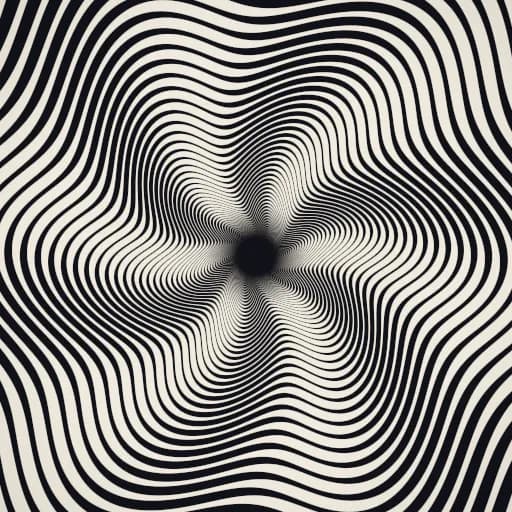
Link a few nodes together to make an effect. Publish it and it becomes a node you can drop into any other shader. The one at the top of this page is below, with its settings as inputs.
Put it on your site.
Add one React component to your app. Settings you pick in the editor, like speed or glow, become props you can change from your code.
npm install @fluorite-studio/react threeimport { Shader } from "@fluorite-studio/react"
export const Hero = () => (
<Shader
id="cf48f983-af6c-43ea-9ee4-923d27426d66"
inputs={{ Speed: 1.00, Glow: 1.00, "Line Width": 1.00 }}
/>
)Describe it. Your agent builds it.
Connect Claude Code, Codex or Cursor to Fluorite. Your agent finds the nodes, wires them, renders the result to check it, and publishes.
claude mcp add fluorite -e FLUORITE_TOKEN=flr_… -- npx -y @fluorite-studio/mcp- >Make a slow, colorful plasma and show me a render.
- ●nodes_list { query: "plasma" }└wave, twirl, cosine-palette
- ●shaders_create { name: "Plasma Classic" }└Draft created
- ●shaders_edit 9 ops└Revision 1, no problems
- ●render { times: [0, 1, 2] }└3 frames
- ●shaders_publish └Version 1 published
- ●Plasma Classic is published and ready to embed.
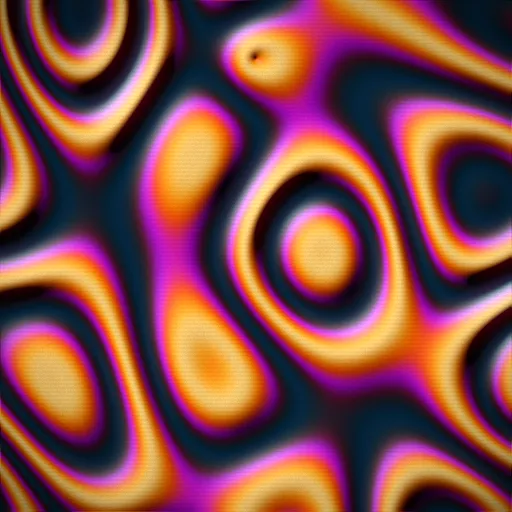
Ready-made effects to start from.
Pixelate, dither, noise, gradients, shapes and color grading. Use one as it is, or open it up and tweak it.
Try a presetSee what others are making.
Explore shaders people have shared, and copy any of them into your editor to remix.
Explore the community

Make your first shader.
It's free and runs in your browser, so there's nothing to install.